

Panduan
Check school account-help and invitation status
· 2 min read
Check school account-help and invitation status
Use an authorized school-admin account and the intended school. The observed interface labels are preserved below.
- As an authorized school administrator, open
Sekolah Saya→Kelola Sekolah→Pengaturan Sekolah→Akses Akun. This checklist inspects settings and status; it is not a tested account-recovery procedure.
- Read
Bantuan kata sandi anggota. The page says admins can create a one-time activation or reset code and never see a member’s chosen password. The observedIzinkan bantuan kata sandi dari sekolahswitch was off and left unchanged. This guide does not instruct changing it or generating codes.
- Check the consent prerequisite: members must also give personal consent before a reset can be created. The page says members manage that consent in
Keamanan Akun; a school admin cannot change it. That member-side flow was not inspected.
- Review the aggregate labels
Anggota,Memerlukan aktivasi,Tanpa email asli, andPersetujuan diberikan. These are totals, not proof that a particular member needs recovery or can sign in.Buka anggota sekolahandCari anggotawere visible, but no member was opened; this guide stops before individual access actions.
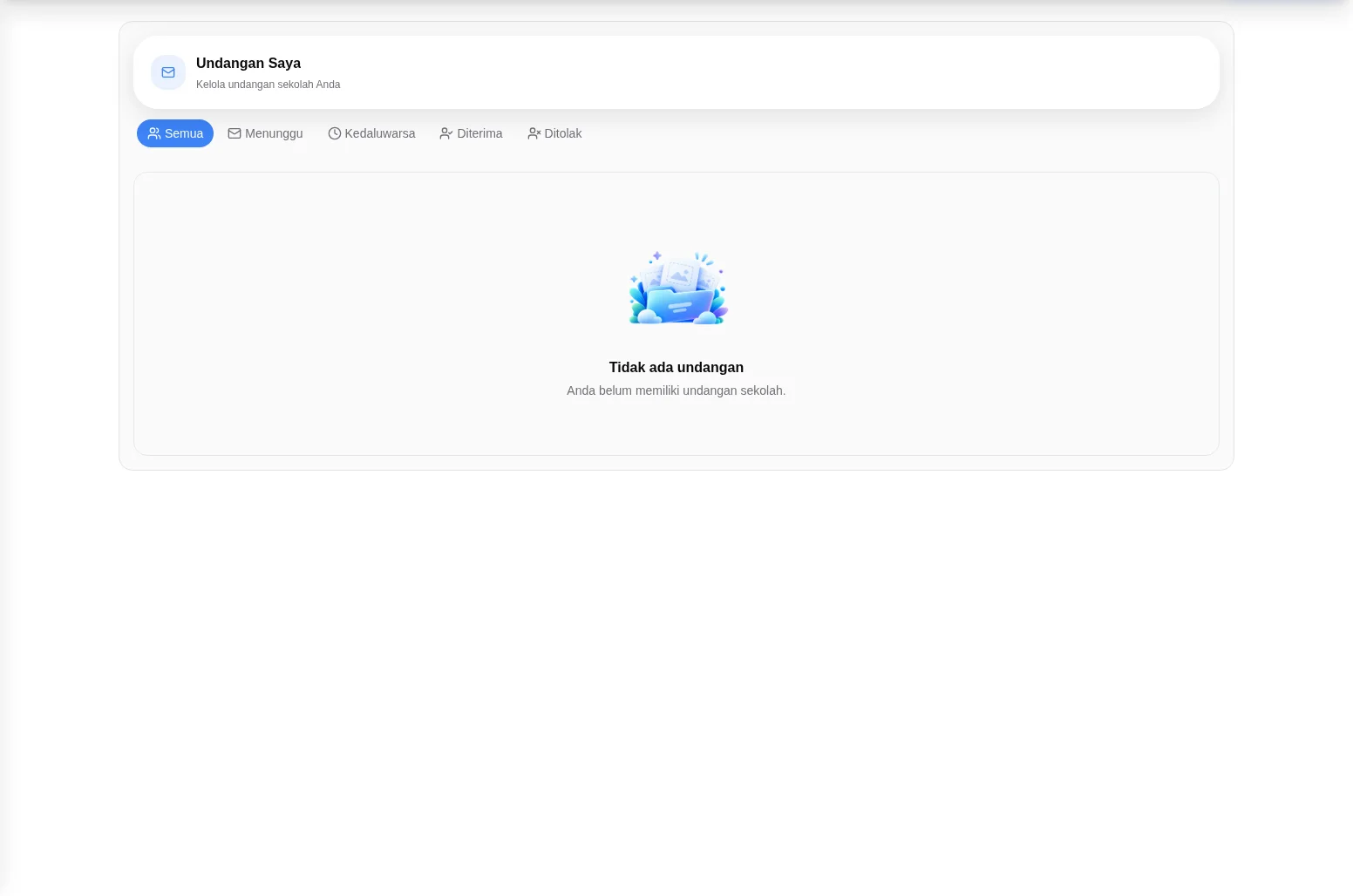
- For invitations received by the signed-in account, open the observed profile page
Undangan Saya. Tabs areSemua,Menunggu,Kedaluwarsa,Diterima,Ditolak. The inspected view showedTidak ada undanganandAnda belum memiliki undangan sekolah.This is not an outbound invitation or membership-repair screen.
- Use these checks to describe the visible state when seeking authorized support. No permission-denied case, code generation, reset, invitation action or restored access was tested. Do not promise that a reset or invitation restores school access; never share passwords or reset codes.


Check the actual visible state. No successful save, activation, reset or access recovery is established by this guide.
If the expected control is unavailable, ask authorized school support to check your role and setup. Do not share credentials or create duplicate records.