

Review school setup before onboarding
· 2 min read
This guide describes the form controls observed in Rumahsekolah. Final saving and submission were not tested; check the actual result after any action.
Preparation
Use an authorized account and the intended school. Prepare approved information and avoid duplicate records.
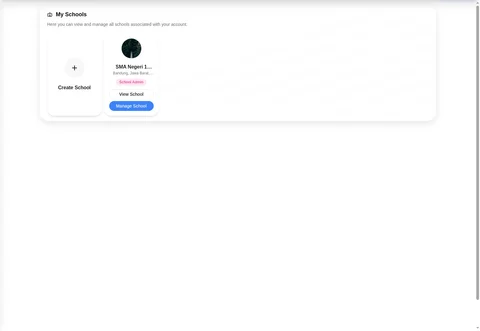
Open Schools → My Schools → Manage School. Confirm the intended school and school-admin access before setup.
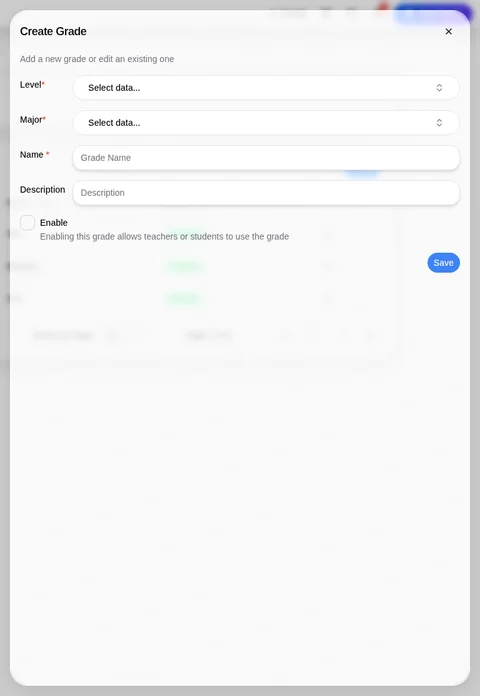
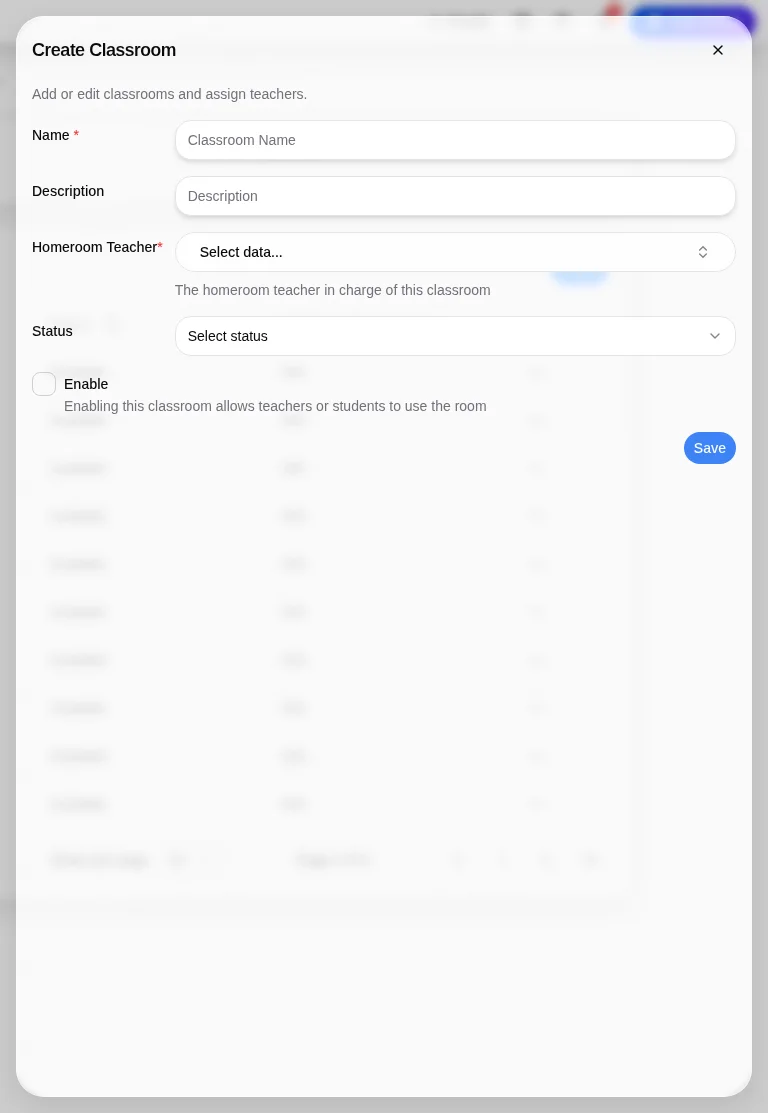
Use School Setting tabs General, Classrooms, Majors, Grades, Seasons, Account Access. Plan majors before dependent grades: Create Grade requires Level, Major, Name. Create Classroom separately requires Name and Homeroom Teacher; it is not established as a physical-room form.
Prepare teacher membership through Members → Teachers → Invite Teacher as authorized before assigning a homeroom teacher. Do not infer an enforced setup order from blank forms.
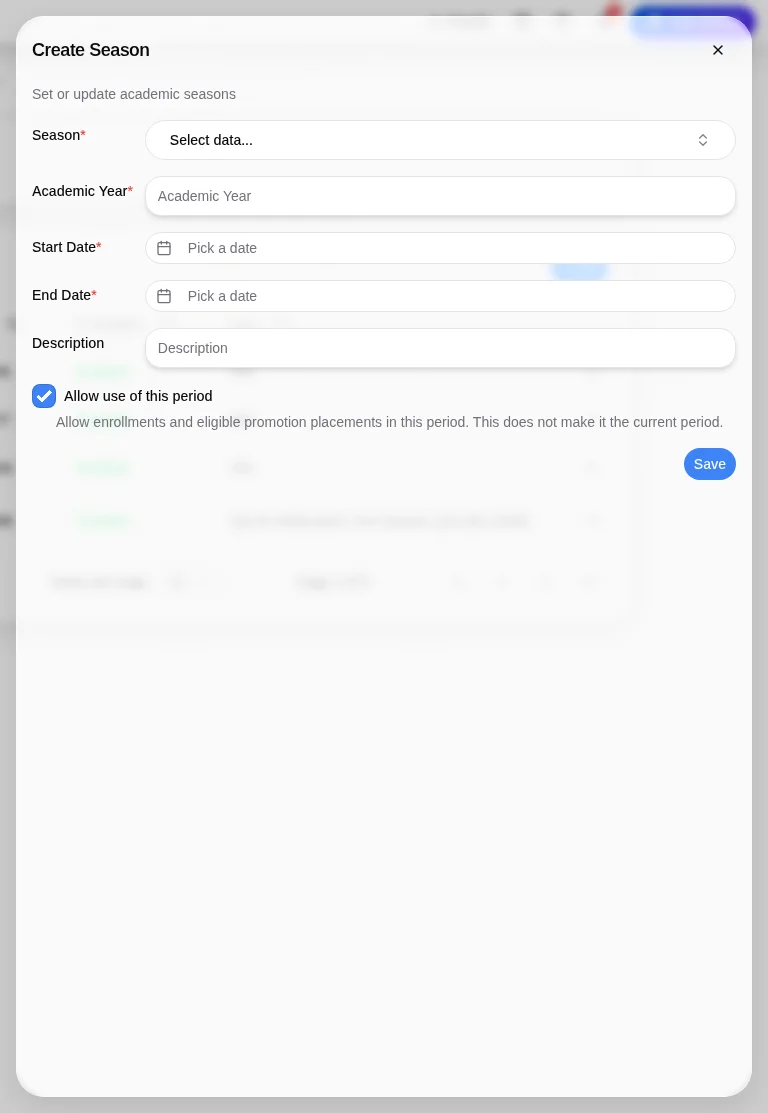
Check Seasons dates and Allow use of this period; this does not make the period current. Prepare school Subjects and Study Plan using their required grade, major, and season selections.
Review Admission settings or Applications → Manual Enrollment. Students → + New Student reaches that Applications page. Check outcomes after authorized saves; none were tested.
A separate class-creation workflow remains unverified: Classes only exposed Upcoming classes. Confirm the grade/classroom relationship and missing class workflow with product support.
Check the outcome
After an authorized action, check the intended record, placement and status. No saved-success outcome was observed; stop if results differ.
Troubleshooting
Missing controls can indicate a role or setup problem. Ask the school to verify your access; do not create duplicate records or delete data.